
Staff Account Creation
Thank you
for choosing Studirium for this digital adventure at the heart of academic innovation. Before creating a Staff Member, it is very important to have the ID Number and the Secret Code of the Reference School at hand, plus something to write down this account's login details on for later. This information will appear right after the Staff Member is created.
Need help? Contact us:- WhatsApp: +33 6 05 86 90 05
- Phone: +235 67 67 07 52
- assistance@studirium-td.tech
Creation form
Why add a bank?
For tuition management and real-time validation of students in their respective classrooms.
Add a bankWhy add a parent?
For continuous academic monitoring of the child, and regular communication with the school and teachers.
Add a parentWhy add a school?
For optimised organisation of assessments and classes, and efficient management of courses and students.
Add a school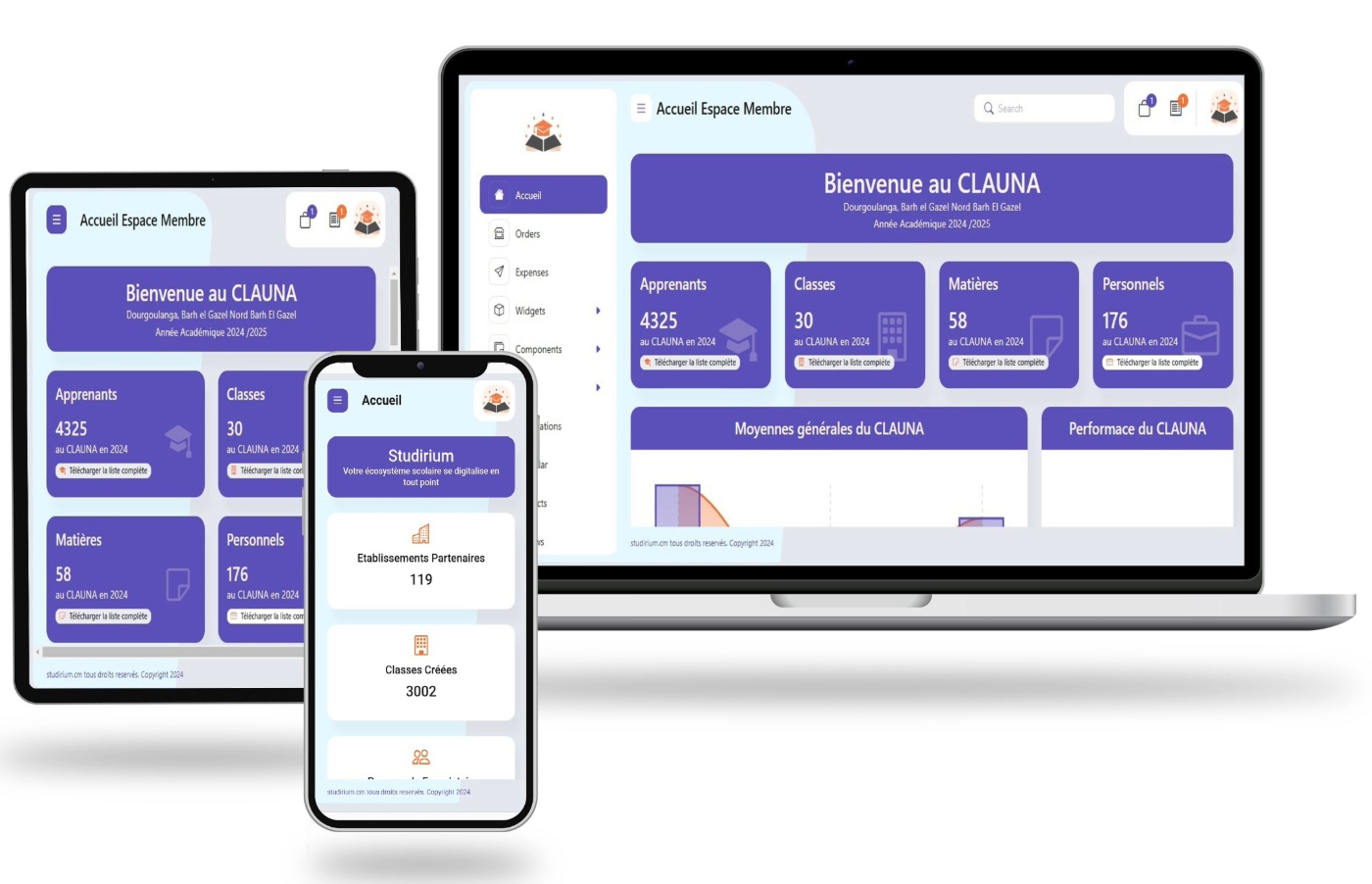
Vision
STUDIRIUM is accessible from phones, tablets, computers and smart TVs. Its purpose is to bring every school activity into the digital world.

Range
The STUDIRIUM platform operates in Africa and Europe. STUDIRIUM is present in more than five countries and keeps expanding.

Target
Our audience includes schools, their staff, parents and students, as well as governments and banks.

Our news on
Facebook !

Our training courses on
YouTube !

Our memos on